Downloading insights
Last updated: November 18, 2026
You can export the data behind an insights chart to use outside ComplyAdvantage Mesh, for example in your management reports.
A chart exports in five formats: CSV, Excel, JSON, PNG, and PDF. CSV and Excel files open in most spreadsheet applications. An export includes up to 1 million rows.
Select the three dots in the top-right corner of the chart.
Select Export.
Under Download, select the format you need.
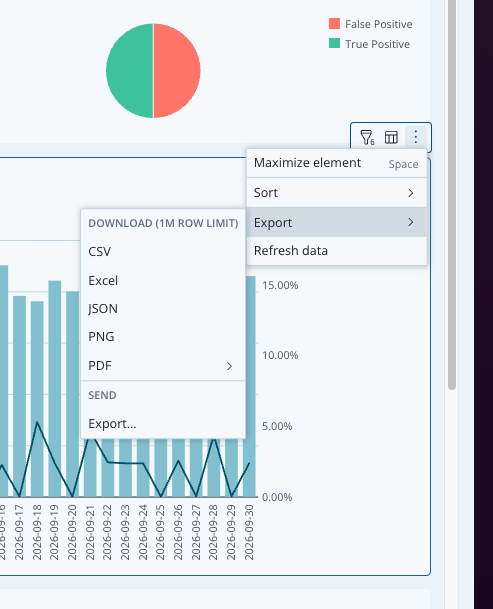
Export download formats in the chart menu