Downloading a data export
Last updated: November 18, 2026
After you have created a data export you can download it. (See also: What are data exports?)
Select the Insights tab.
Select My exports to view all exports.
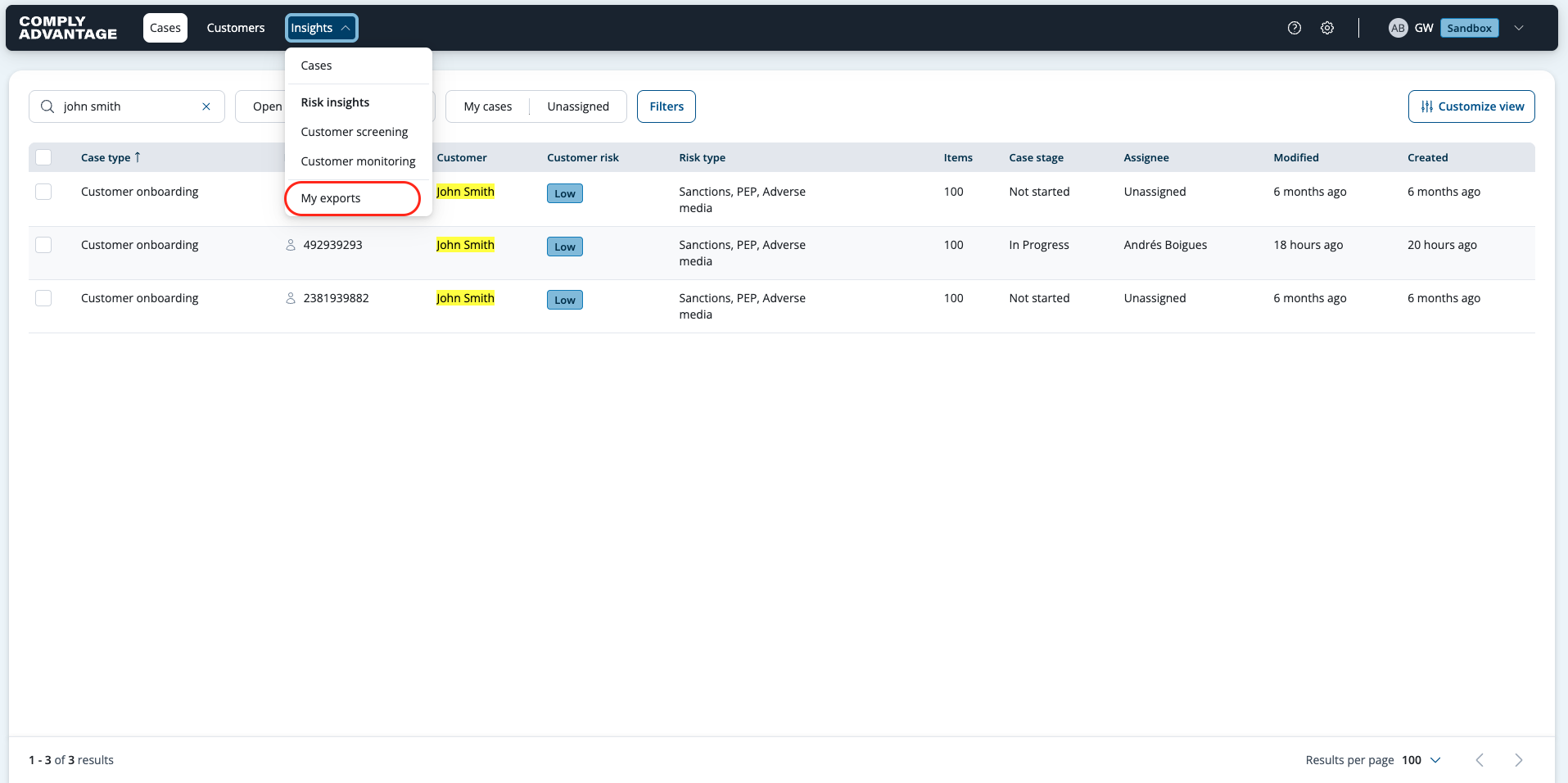
My exports in the Insights menu Find the export you want to download.
Click the Download button on the right.

Download link for a completed export on My exports The file downloads as .CSV format and will be saved locally.