Viewing a case workflow
Last updated: November 18, 2026
Case workflows represent the stages a case can go through from creation to decision, and can be configured to align with your business processes. Each case type has its own case workflow.
A case workflow has three types of stages:
Initial: A case will always start here, with only one initial stage per workflow.
Review: The case moves through various review stages as it progresses through the workflow.
Decision: The final stage, where the case is closed.
How to access case workflows:
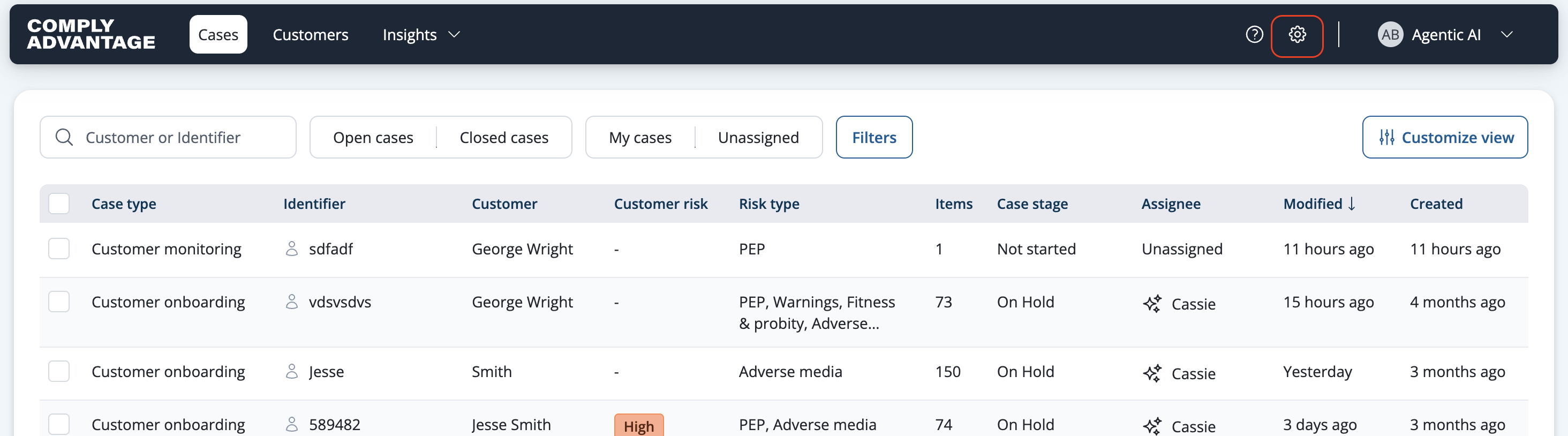
Select Settings from the main header.
From the navigation menu, select a case type under Case Workflows to view the workflow for that case type.
